Troubleshooting
Connecting a Monogram Appliance to SmartHQ, and What It Is Worth
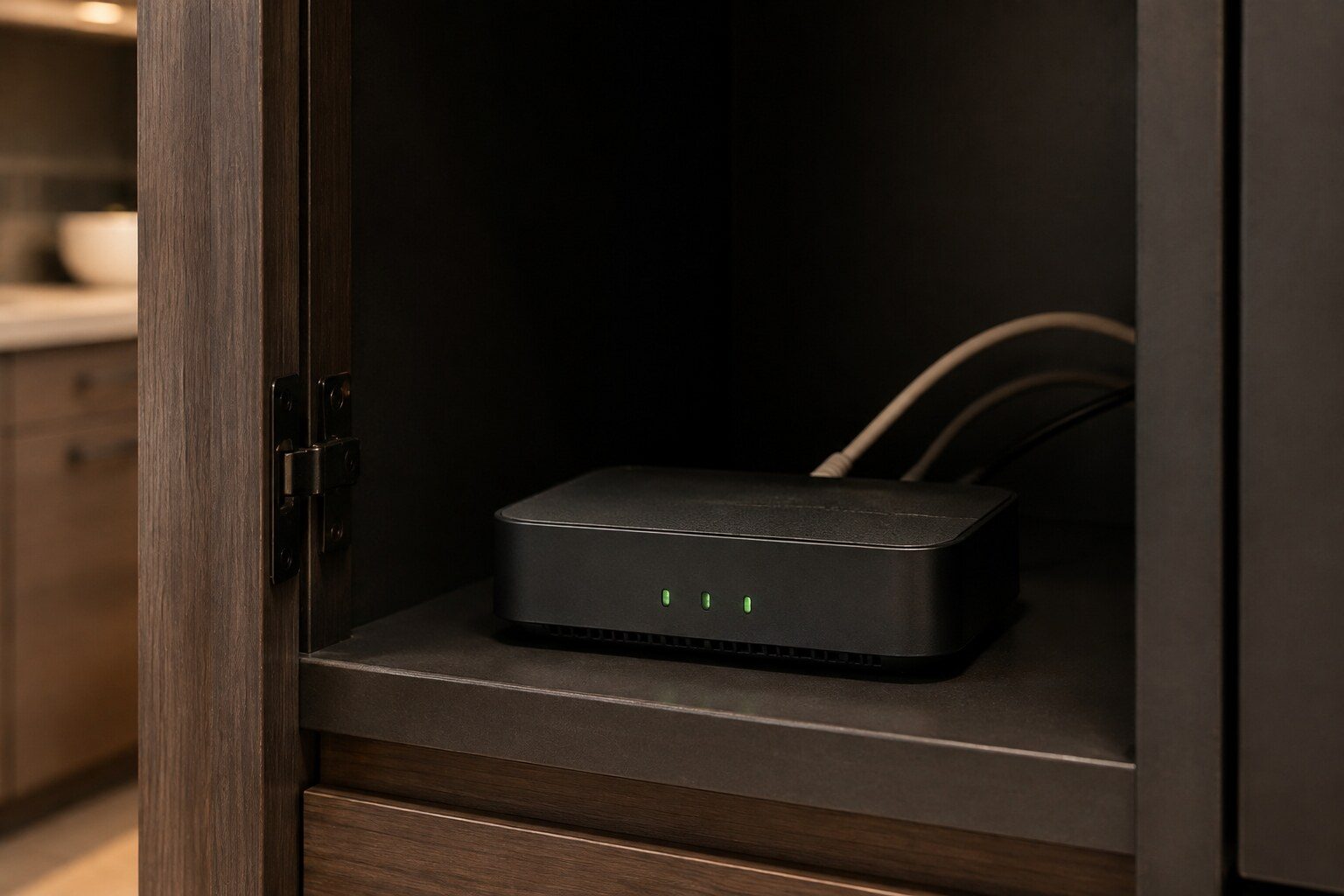
Connecting is done from the appliance and the phone together: install SmartHQ, create an account, put the appliance into its connect or WiFi Connect mode from the settings on its own panel, and follow the app while it hands over your network details. Two things trip most attempts. These appliances join a 2.4 GHz network rather than a 5 GHz one, so on a router that presents both under one name the phone has to be on the 2.4 GHz band during setup. And the appliance has to be within reach of the router through a kitchen full of steel, which is a harder radio environment than most rooms. Once connected, the useful thing is alerts rather than control: a cabinet that has drifted above its set point tells you days before food spoils, and that is the one feature on this list worth the setup on its own.
The full guide
One reason worth the setup, and it is not the oven
Most of what a connected appliance offers is convenience: preheating on the way home, a notification when a cycle ends, a timer on a phone rather than on a panel. Pleasant, and not why this page exists.
The reason is refrigeration. A cabinet that has drifted above its set point is invisible. Nothing in the room changes, the light comes on, the door feels cold, and the first evidence most households get is food that has gone over. A connected cabinet tells you the day it starts, which turns a spoiled-food weekend into a service call booked on a Tuesday.
That is genuinely worth the twenty minutes of setup, and on a kitchen with a pair of columns, a wine cabinet and a beverage center it is worth it several times over — because those are exactly the appliances nobody opens every day.
Getting it connected, and the two things that go wrong
The band. These appliances join a 2.4 GHz network. A great many modern routers publish 2.4 and 5 GHz under a single name and hand each device whichever they judge best, and during setup the phone needs to be on the 2.4 GHz side. If the app cannot find the appliance, this is the first thing to change — split the network names temporarily, or use a 2.4 GHz guest network, and put it back afterwards.
The room. A kitchen is one of the worst radio environments in a house: steel cabinets, steel appliances, and often a wall of them between the router and the far end of the run. An appliance that connects during setup while somebody stands beside it with a phone can be at the edge of usable in daily life, and it will disappear when a door opens. If the signal at the appliance is weak, the fix is a mesh point rather than a repeated setup.
Start the process from the appliance's own settings menu rather than from the app. The appliance advertises itself and the app finds it, which is the opposite of what most people try first.
Remote enable is not a problem
Ovens will not accept a remote start unless somebody has enabled it at the appliance. That trips people up and it should not: starting a heat source in an empty house from a phone is exactly the thing a safety interlock exists to prevent. If the app can see the oven and will not start it, the oven is behaving correctly.
What it cannot see, and why that matters here
The app reports states the appliance already knows about itself. A cabinet above its set point, a door left open, a cycle finished, a filter due. All useful.
What it does not know is why, and on this site the why is the whole job. It does not measure the condenser behind the grille. It does not know whether the door seal is meeting the cabinet along its length. It does not test a temperature sensor against its published curve, and it cannot tell a defrost circuit that has stopped from a coil that cannot shed heat in a Miami kitchen.
Those four produce identical alerts and they are not the same money. Separating them takes an instrument at the appliance, and that is the visit.
The history is worth more than the alert
One underrated thing: when we ask how long something has been happening, most people genuinely do not know, and the answer changes the diagnosis. A cabinet that drifted over three weeks and one that lost temperature overnight are different problems.
A connected appliance answers that question exactly. If you have the app, look back before you call and tell us the date it started. It is the most useful sentence you can offer, and it is the one thing connectivity gives this site that nothing else does.
What to turn on, and what to turn off
The default notification set is chatty, and an app that pings about a finished dishwasher cycle gets muted within a week — which then mutes the one notification that mattered.
Turn on: temperature alerts on every cold appliance, and door-open alerts. Those are the two that tell you about a problem rather than about an event.
Consider: filter reminders, which are genuinely useful here because the printed interval is too long for local water and the appliance counting actual use is a better guide than a date.
Turn off: cycle-complete notifications on everything except, perhaps, one appliance. They are the reason people stop reading the alerts.
A note about second homes
This is where connectivity stops being a convenience and becomes worth real money.
A house occupied four months a year has refrigeration running for twelve, in a hot closed-up building, with nobody to notice anything. The failure mode is not dramatic — a cabinet drifts, a beverage center gives up in August, an ice machine blocks its drain and the bar smells by October. All of it is discovered on arrival.
A connected cabinet sends the alert the day it starts, to a phone that is somewhere else entirely. Combined with somebody local who can open the door, that turns a spoiled return into a service call booked in advance. If you are only going to connect one appliance, connect the refrigeration.
When the app itself is the problem
Three things go wrong that are not the appliance.
A router that was replaced. New router, new network name, and every connected appliance in the house silently drops. Nothing announces it, and people discover it months later. If the network changed, re-check the appliances.
A firmware update mid-cycle. These appliances update themselves, and occasionally one is unresponsive to the app afterwards until it is power-cycled at the breaker. That is a reset in the ordinary sense and it does no harm.
An account rather than a connection. More than one household has two phones with two accounts and one appliance, and the alerts go to whichever phone registered it. Worth checking that they arrive where somebody will read them.
The honest summary
Connectivity on these appliances is worth the setup for early warning on refrigeration and for very little else. It will not diagnose, it will not repair, and it will not tell you which of four causes produced the alert you just received.
What it does do is move the moment you find out from *after* to *before*, and on a five-figure cabinet full of food in a coastal city, that is the difference the whole rest of this site is about.
If it turns out to be a repair
What this leads to, and what it costs
Every job on this site is priced the same way: an on-site diagnostic first, the figure agreed in writing before anybody starts.
-
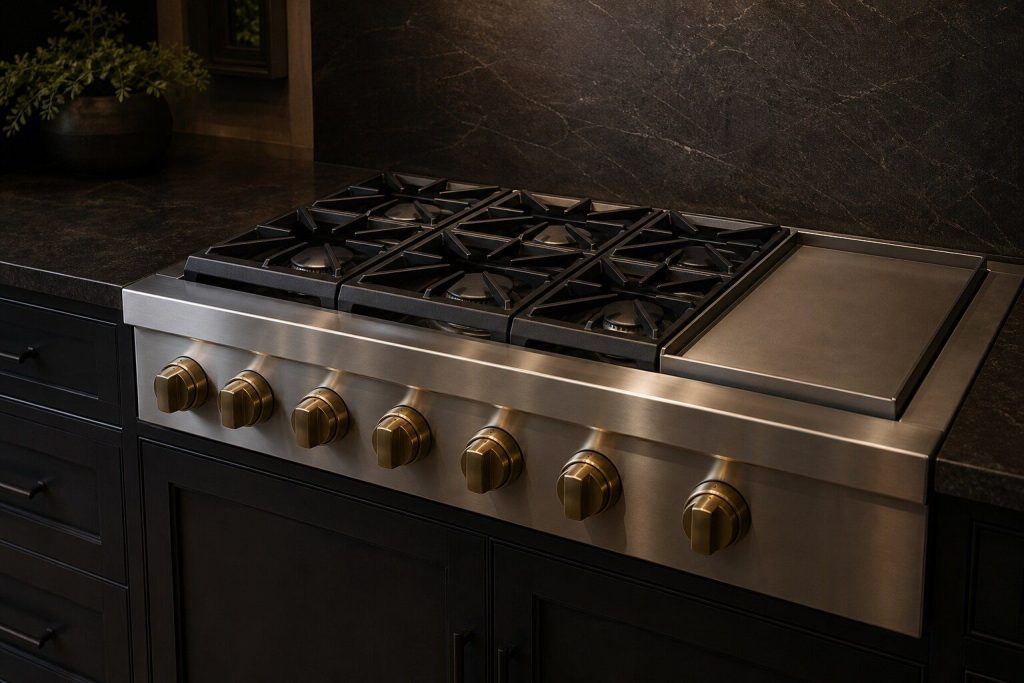
30, 36 and 48-inch · dual-fuel, all-gas and induction Professional ranges
Monogram does not make an ordinary range. The line is professional: 30, 36 and 48 inches, dual-fuel with a gas top over an electric oven, all-gas throughout, or induction — with griddles and grills on the wider models. A 48-inch dual-fuel range is a gas appliance, an electric appliance and a ventilation problem in one piece of steel, and the diagnosis starts by working out which of the three is talking.
- Dual-fuel, all-gas and induction, 30 to 48 inches
- Griddle and grill sections are their own repair
- The F-code family covers the oven side, not the burners
-
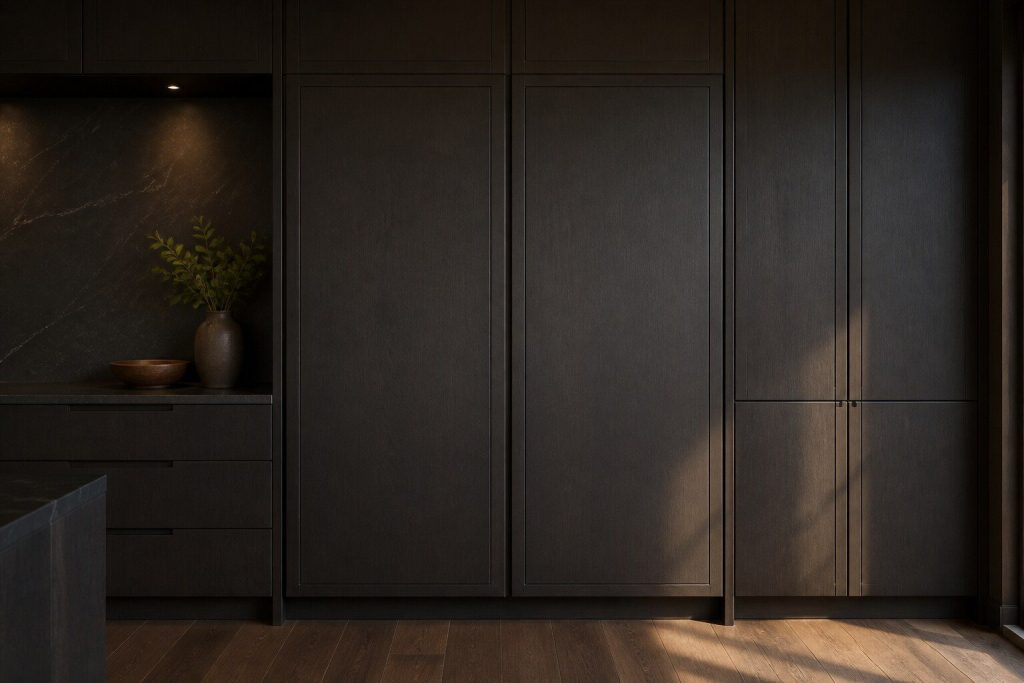
Built-in side-by-side · integrated column · French door · bottom freezer Refrigerators
Monogram refrigeration is built in, and on this make that is not a styling word — it is what the repair has to work around. A 48-inch side-by-side is bolted into cabinetry, a column is flush with the run and carries a custom door panel, and the machinery is reached from the front because there is no behind. The failures are ordinary refrigeration failures. Getting to them, and putting the kitchen back the way the cabinetmaker left it, is the part that takes the skill.
- Built-in and panel-ready models are serviced from the front
- Door panels and alignment are part of the job, not an extra
- Sealed-system work is measured, never guessed at
-
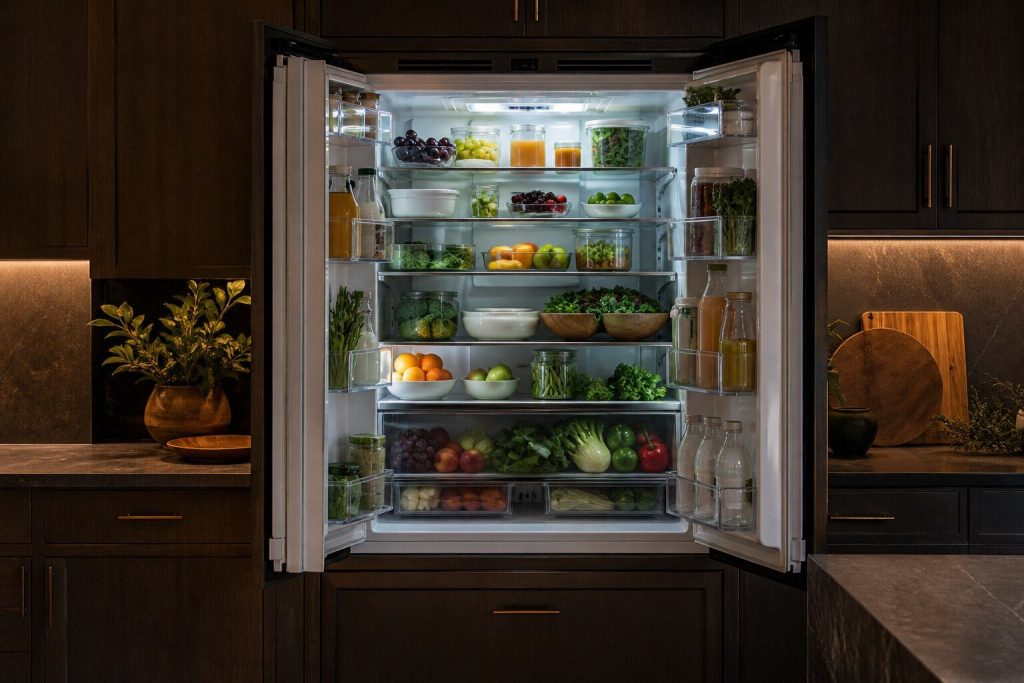
Everything works except the cold Refrigerator not cooling
The call we take more often than any other. On built-in refrigeration the first suspect is almost never the compressor — it is the condenser behind the grille above the door, which in a Miami kitchen collects salt, cooking aerosol and dust until it can no longer shed heat, with nothing on the display to say so.
- The condenser is the first suspect and it is free to check
- A dropped door panel produces this too
- The sealed system is last, not first
Questions people ask about this
It will not find my network.
Almost always the band. These appliances use 2.4 GHz, and many modern routers publish 2.4 and 5 GHz under one name and hand the phone whichever it prefers. Temporarily splitting the names, or forcing the phone onto the 2.4 GHz band for the setup, resolves most of these.
It connected and then dropped.
A kitchen is a bad radio room — steel cabinets, steel appliances and a lot of them. A range at the far end of a run from the router will sit at the edge of usable and drop when somebody opens a door. A mesh point in or near the kitchen fixes it properly.
My oven will not let me start it from the phone.
That is Remote Enable and it is deliberate. An oven will not accept a remote start unless somebody has enabled it at the appliance first, because starting a heat source in an empty house is not something a phone should be able to do on its own. It is a safety interlock rather than a connection problem.
Will connecting it help you repair it?
Not directly. It can tell you when something started, which is genuinely useful history, and it can tell you that a cabinet has drifted. It cannot measure a condenser, test a sensor or tell whether a door is sealing. Everything this site diagnoses needs an instrument at the appliance.
Troubleshooting
More guides like this one
-
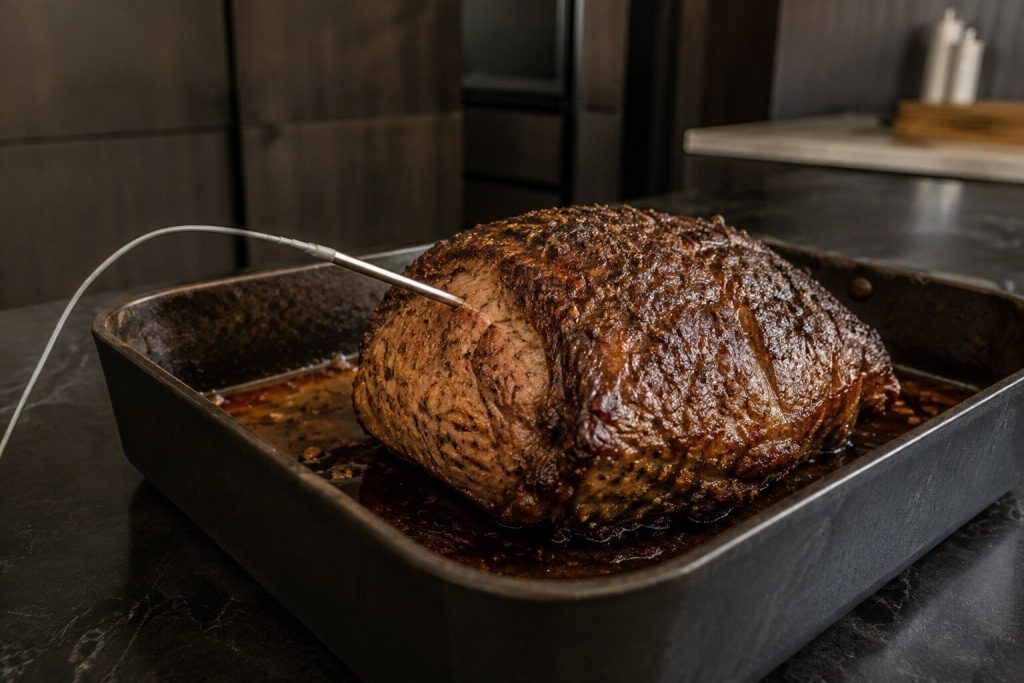
The Temperature Probe and the Sous-Vide Probe: Two Sockets, Two Jobs
A feature guide that doubles as a repair guide, because FD is the probe circuit and most probe complaints are a lead that has been trapped in a door.
Read more -
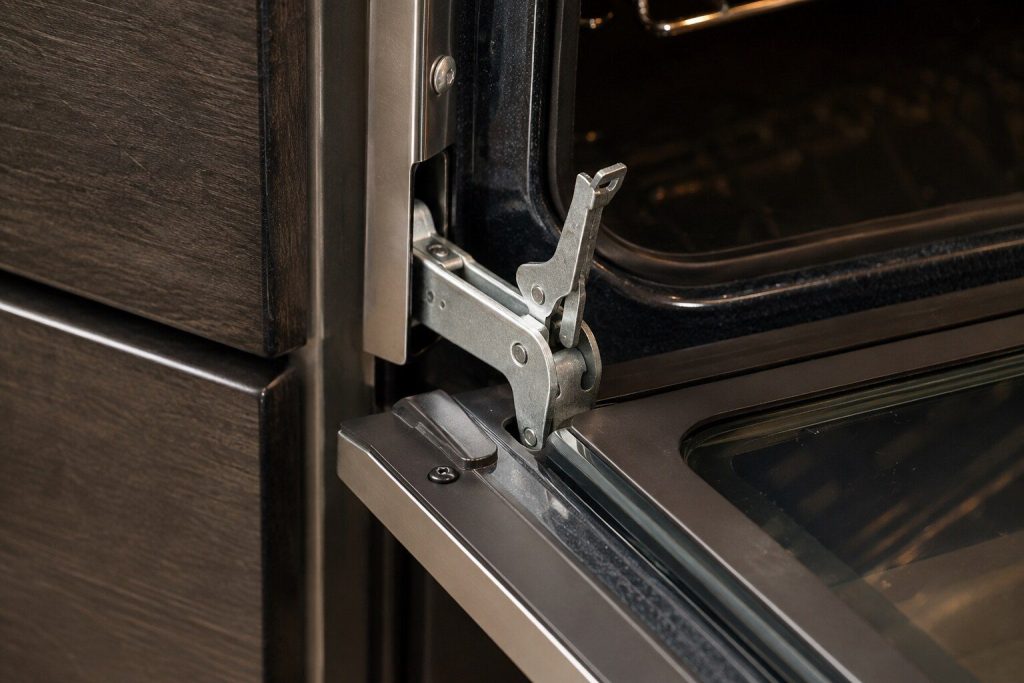
Taking an Oven Door Off: When It Is Worth It and When to Stop
The sequence is the easy part. The hinge locks and the stop condition are what decide whether this should be attempted at all.
Read more -
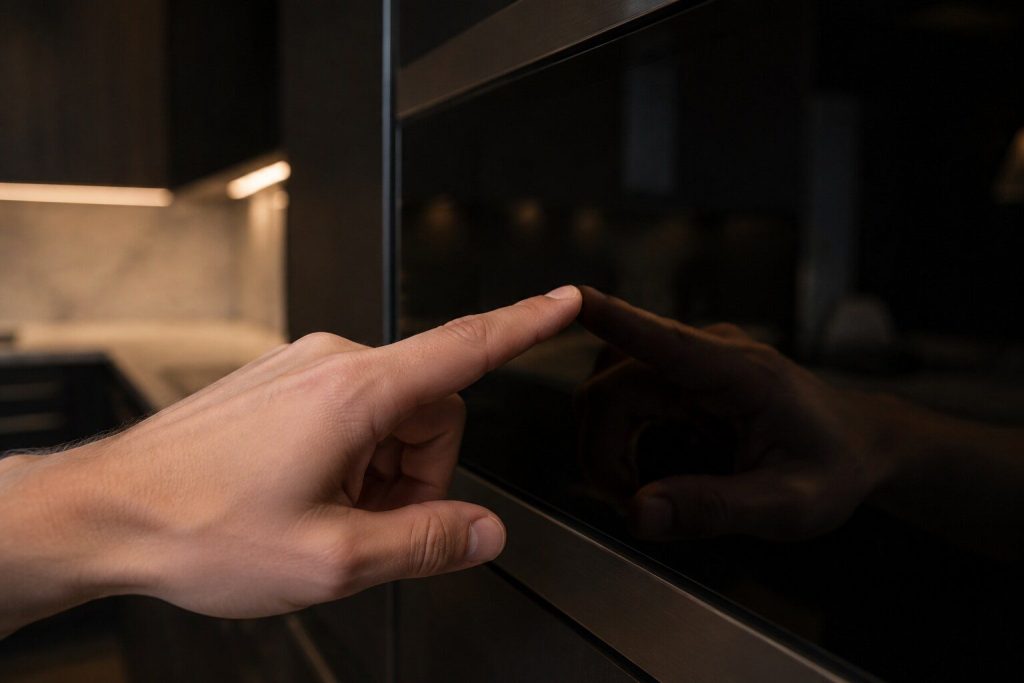
Locked Controls on a Monogram Appliance: Where the Lock Hides on Each One
Four different appliances, one problem, and no repair at the end of it. A wet cloth across a touch panel switches these on more often than people do.
Read more
Tell us the model number and what it is doing.
This article is based on:
- Official manufacturer documentation
- Internal repair procedures
- Technician repair history
- Company quality standards