Troubleshooting
Locked Controls on a Monogram Appliance: Where the Lock Hides on Each One
Every glass or touch control surface in a Monogram kitchen has a lock, and a locked appliance looks exactly like a dead one — it beeps and refuses, or it does not even beep. On the oven and the range it is Child Lockout and the display shows LOC; hold the lock pad, or the pad named in your model's manual, for about three seconds. On the microwave and the Advantium the control lock is usually a long press on a specific pad, and on touch-screen models it can be a gesture rather than a button. On an induction cooktop it is a padlock symbol cleared by holding the lock pad. In all four cases nothing has failed and no repair is needed. The most common way any of them gets switched on is a wet cloth dragged across the panel during cleaning, which the appliance reads as a series of presses.
The full guide
Four searches, one problem
The question harvest for this brand returns the same thing four times over: how to unlock a microwave touch screen, how to unlock an Advantium, how to unlock an induction cooktop, and a microwave or oven touch screen that is "not working". In every one of those cases the most likely answer is that the appliance is in perfect health and a lock is on.
That is worth a page of its own, because a locked appliance is convincing. It refuses. It may beep once and do nothing else. On a touch surface with no moving parts there is no feedback at all to say the difference between "I will not" and "I cannot", and a household with a dead-seeming oven on a Sunday reasonably concludes the worst.
Why it happens without anybody deciding to
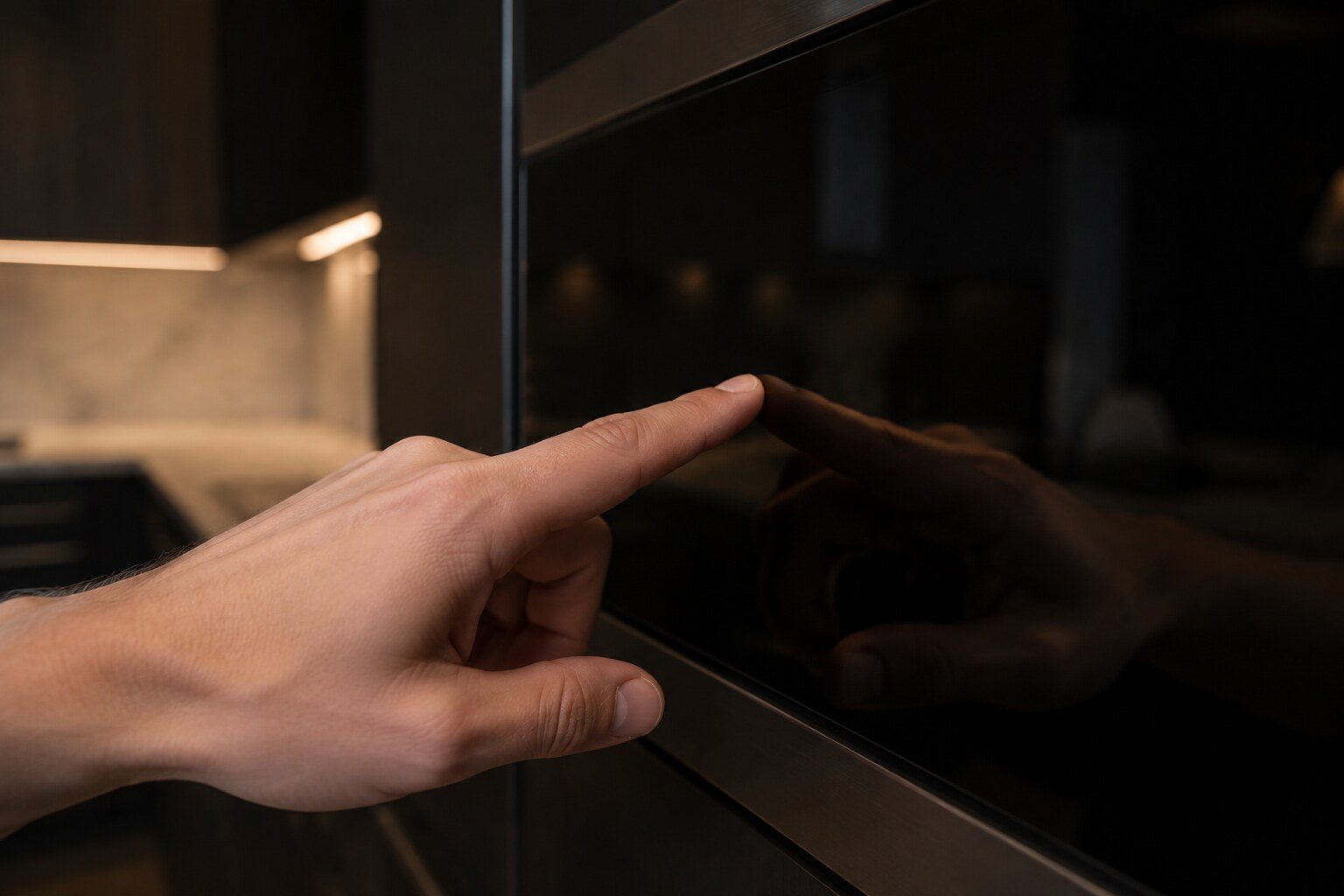
A touch control surface has no buttons. It reads capacitance, which means it reads anything conductive that touches it — including a damp cloth.
So the single most common way any of these locks gets switched on is cleaning. A wet cloth dragged across a control panel is, to the appliance, a fast series of presses across every pad it crosses. Sometimes that lands on a lock. Sometimes it lands on a timer, which is why the other version of this call is an appliance that has started counting something down that nobody asked for.
The second most common way is something resting against the front. A chopping board propped against a range, a pan handle laid across a cooktop's control strip, a bag left on a microwave drawer. Anything holding one position down permanently produces a control that has stopped responding.
What each one looks like
Oven and range — LOC. This is Child Lockout, and it is a genuine safety feature rather than a nuisance: it stops an oven being switched on accidentally. It shows in the display as LOC. Clearing it is a long press, about three seconds, on the pad your model names — which differs across the Statement, Minimalist and Professional fronts, and is in the manual.
Microwave and Advantium. A control lock in the same family. On the models with a screen rather than a membrane it can be a press-and-hold on a screen area rather than a physical pad, which is why people who have owned older microwaves look for a button that is not there.
Induction cooktop. A padlock symbol, cleared the same way. On induction this one is especially worth knowing, because a locked top and a top with a genuine zone problem both present as an appliance that ignores you — and one of them is a five-second fix.
The three things it is not
ERR is an invalid entry: the oven did not understand the sequence of presses it was given. Clear the display and set the function again from the beginning. Nothing is locked and nothing has failed.
OFF on an oven means the cavity is too hot for what you asked, which is nearly always somebody requesting self-clean on an oven that has not cooled, or trying to bake too soon after a self-clean cycle finished. Time fixes it.
Loc Door on an oven is not the control lock at all — it is the self-clean door latch, and it means the door is mechanically locked because the cavity is above a safe temperature. Do not force that one.
When a lock is actually a repair
When it comes back on its own. A panel that keeps locking itself is a panel that is being pressed by something, and if nothing is resting on it then the something is inside — a spill that has got under the membrane, or a touch surface that has begun to fail. On an oven that arrives as F0 or F7, which the manufacturer's own table describes as a keypanel problem, and it is a defined repair.
Until then, though, the honest answer to four of the most-searched questions about this brand is that nothing is broken, and that is worth saying clearly rather than burying it.
Why touch surfaces are harder to reason about than buttons
A mechanical button gives feedback. It moves, it clicks, and when an appliance ignores it you at least know the press happened.
A capacitive surface gives none of that unless the appliance chooses to. So there are three states that look identical from a foot away: the appliance did not detect the press, the appliance detected it and refused, and the appliance is not running at all. Working out which one you have is most of the diagnosis, and it is why so many of these calls are made about appliances that are in perfect health.
Two things help. Listen for the beep — most of these acknowledge a detected press even when they refuse to act on it, so a beep followed by nothing means the appliance heard you and said no. And make sure your hands and the panel are dry, because a wet finger on a wet panel gives an unreliable press in either direction.
The other things that produce an unresponsive panel
Beyond the locks, four situations look the same and are not.
Sabbath mode. These appliances have it, it is deliberately unresponsive by design, and it is enabled by a sequence somebody could enter by accident. If an oven has stopped responding in a way that does not match the lock behavior, this is worth ruling out — the manual names the exit sequence.
Demo or showroom mode on refrigeration. Lights and controls alive, cooling off on purpose. That is DE in capitals and it belongs to the code archive, not here, but it lands in the same "the appliance seems fine and does nothing" category.
A cooling delay. Some appliances refuse a new command while they are doing something protective, and to the person pressing the pad that is indistinguishable from a lock.
A genuinely failed keypanel. The manufacturer's table gives F0, F1, F6 and F7 on ranges and wall ovens as keypanel problems, and on those the panel really has stopped working. The distinguishing feature is that a lock is consistent and a failed panel usually is not — some pads work, or it works when cold and not when hot.
The cleaning habit that stops all of this
Wipe the cooking surfaces first and the control area last, with a damp cloth rather than a wet one, and dry the controls before walking away.
That single change removes most accidental locks, most unexplained timers and a fair number of the "the appliance turned itself on" reports. It costs nothing and nobody is ever told it, because it is not in the cleaning instructions for any of these appliances.
When to stop trying
If a lock will not clear with the correct sequence on a dry panel, and cutting power for a minute does not release it, stop. At that point the panel is not reading correctly and it is a repair rather than a technique problem.
On an oven that usually arrives with a code attached, which makes it easy. On a cooktop or a microwave there may be no code at all, and the evidence is simply that a documented sequence does not do what it is documented to do. That is enough — it is a defined part and a defined job, and it is not one worth spending a weekend on.
If it turns out to be a repair
What this leads to, and what it costs
Every job on this site is priced the same way: an on-site diagnostic first, the figure agreed in writing before anybody starts.
-
Monogram oven: LOC is Child Lockout, a feature rather than an error
Monogram — an indicator rather than a code. Child Lockout — a feature, not an error.
What the machine is telling you -
Monogram oven: ERR means an invalid entry, not a failure
Monogram — an indicator rather than a code. An invalid entry when setting the oven controls. The oven did not understand the sequence of presses, which is the appliance being pedantic rather than broken.
What the machine is telling you -
Microwaves
Monogram builds microwaves into cabinetry and into islands: a built-in unit that sits in a wall run, and a drawer model that opens downward from under a counter. The drawer is the one with its own repair profile, because it is the only microwave in the kitchen with a motorized opening mechanism that people lean on.
- Built-in microwaves and 24-inch microwave drawers
- The drawer mechanism is its own set of problems
- A microwave that runs and does not heat is a specific repair
-
Cooktops and rangetops
Two appliances that people describe with the same word. A cooktop drops into the counter and has nothing underneath it; a rangetop is a professional cooking surface with a finished front and a wall oven or cabinetry below. Monogram builds both — deep-recessed gas and induction cooktops in 30 and 36 inches, and 36 and 48-inch gas rangetops with griddles.
- Gas and induction cooktops, 30 and 36 inches
- 36 and 48-inch professional gas rangetops with griddle options
- Induction problems are electronic and heat-related
-
Induction zone not working
Induction has no flame and no element — each position is a coil and a power module underneath, so the problems are electronic and heat-related. And it has the cheapest possible outcome of any call on this site: a pan that is not magnetic.
- A magnet settles it in five seconds
- One zone and one side are different problems
- Power dropping by itself is thermal protection
Questions people ask about this
Which pad is the lock on my model?
It differs across the line and it is printed in the owner's manual for your exact model, which is why this page does not pretend otherwise. What is the same everywhere is the shape: a long press, about three seconds, on one pad.
It keeps locking itself.
Then something is pressing the panel. A spill under a membrane, a pan or a board leaning against the front, or a cleaning routine that drags a wet cloth across the controls. If none of those apply and it still locks by itself, the panel is worth looking at — that is a keypad problem, and on an oven it shows as F0 or F7.
Is a locked control the same as ERR?
No. LOC is a feature that has been switched on. ERR means the oven did not understand the sequence of presses it was given — an invalid entry rather than a lock. Clear the display and set the function again from the beginning.
My oven says OFF and will not run.
That is a third thing again: the oven is too hot for what you asked. It appears when self-clean is requested on a cavity that has not cooled, and when somebody tries to bake too soon after a self-clean cycle. It clears itself with time.
Troubleshooting
More guides like this one
-
The Temperature Probe and the Sous-Vide Probe: Two Sockets, Two Jobs
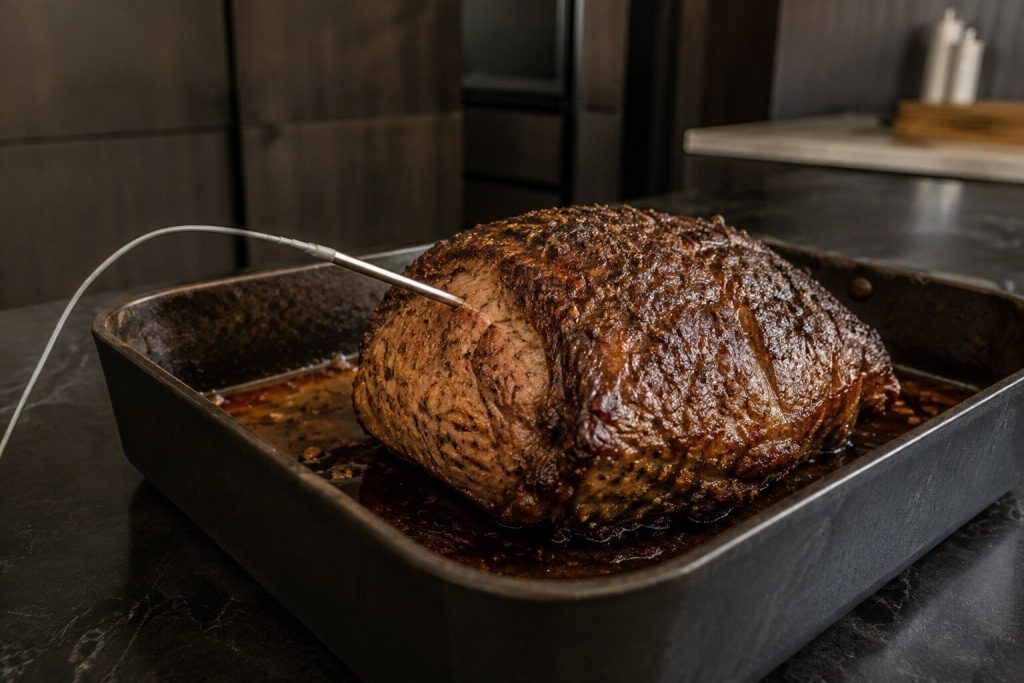
A feature guide that doubles as a repair guide, because FD is the probe circuit and most probe complaints are a lead that has been trapped in a door.
Read more -
Taking an Oven Door Off: When It Is Worth It and When to Stop
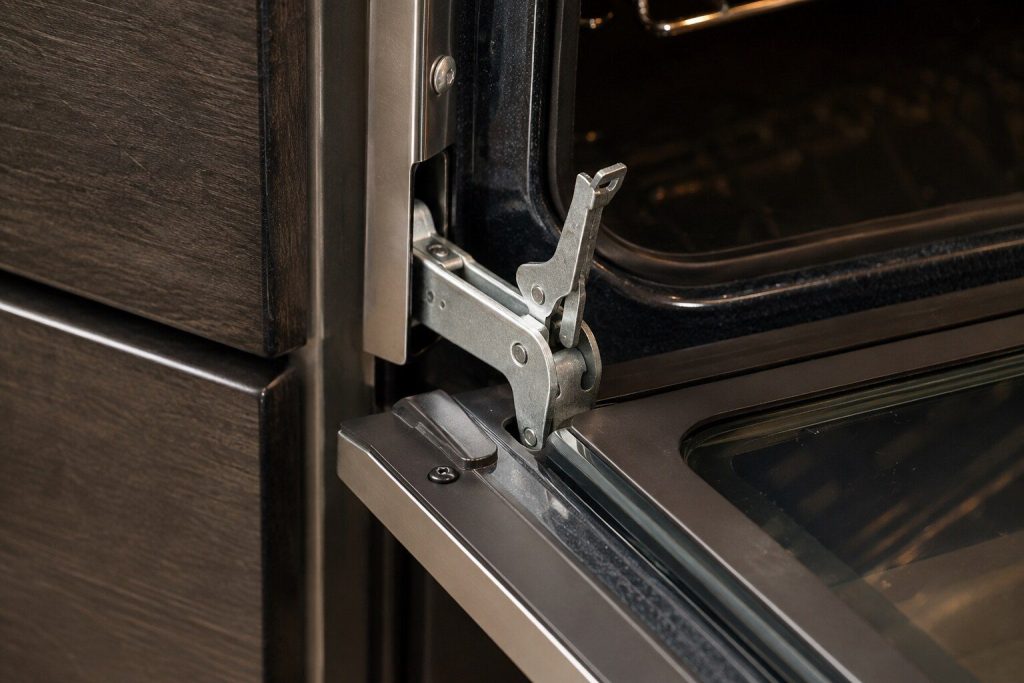
The sequence is the easy part. The hinge locks and the stop condition are what decide whether this should be attempted at all.
Read more -
Connecting a Monogram Appliance to SmartHQ, and What It Is Worth
Worth having for one thing this site genuinely cares about: an alert that a cabinet has drifted, days before anybody opens the door. It diagnoses nothing.
Read more
Tell us the model number and what it is doing.
This article is based on:
- Official manufacturer documentation
- Internal repair procedures
- Technician repair history
- Company quality standards